
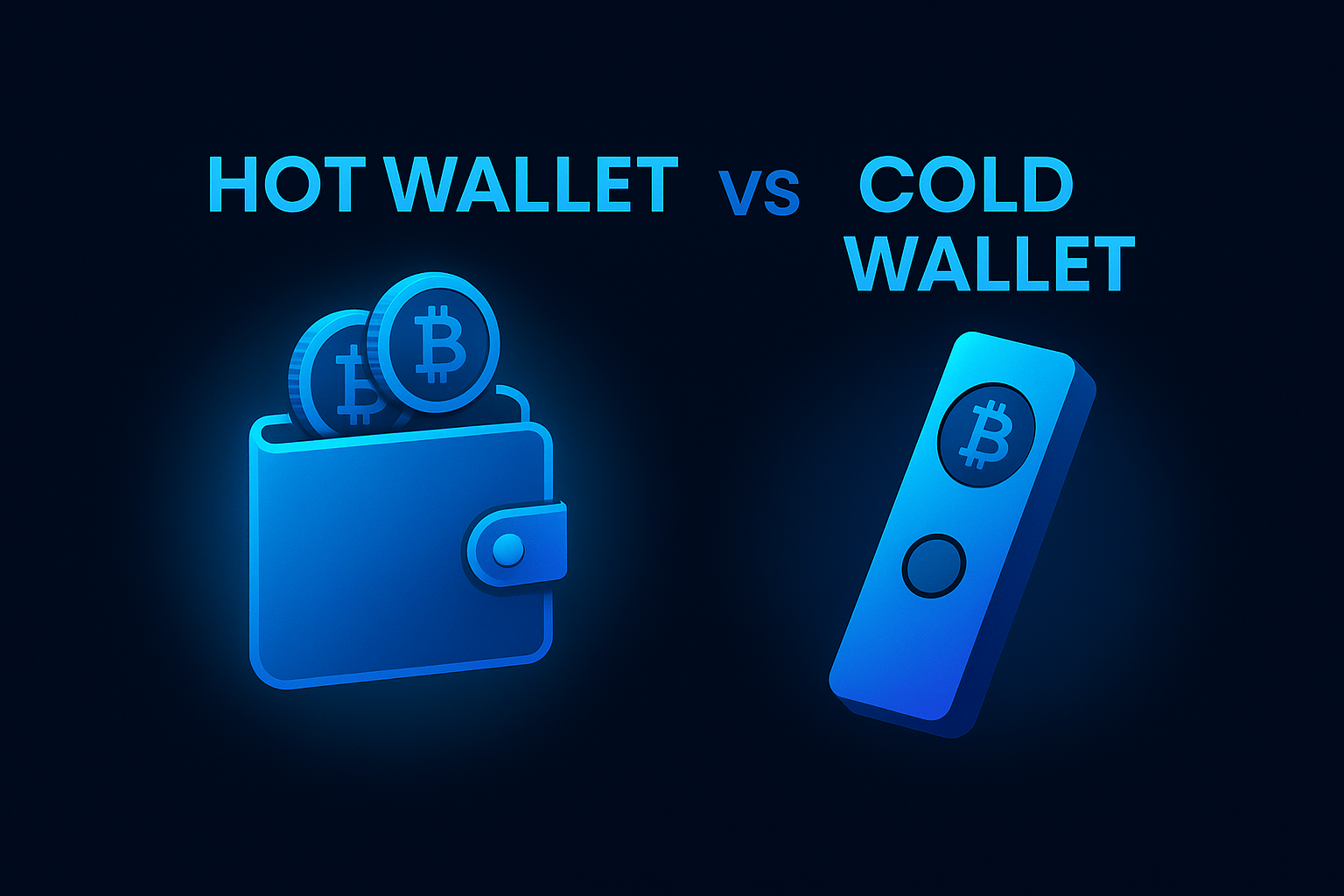
If you’re serious about protecting your crypto and building long-term wealth, you can’t just ask
“Which coin should I buy?”
You also need to ask:
“Where should I keep it safe?”
Understanding the difference between a hot wallet and a cold wallet is essential. In this guide, we break down
hot wallet cold wallet basics in a simple, practical way so you know exactly where to keep your crypto secure.
That’s exactly what this guide on hot wallet vs cold wallet will help you answer.
We’ll keep it simple, practical, and action-based so you can protect your crypto like a pro,
even if you still feel like a beginner.
Hot Wallet vs Cold Wallet: Quick Summary
- Hot wallet = Connected to the internet. Easy, fast, perfect for daily use — but more exposed to hacks.
- Cold wallet = Offline storage. Harder to hack, best for long-term savings and larger amounts.
- The smart play: use both — one for “everyday money”, one for your “vault money”.
This guide is for educational purposes only and is not financial advice. Always do your own research and
only invest what you can afford to lose.
1. What Is a Hot Wallet?
A hot wallet is any crypto wallet that is connected to the internet.
Think of it like your debit card or wallet in your pocket — it’s designed
for daily spending, not for hiding your life savings.
Common examples of hot wallets include:
- Mobile wallets: Phantom, MetaMask, Trust Wallet
- Browser extensions: Phantom or MetaMask on Chrome, Brave, or Edge
- Exchange wallets: Binance, ByBit, OKX, KuCoin, VALR
- Web-based wallets: Coinbase Wallet and similar apps
Advantages of Hot Wallets
- Fast and convenient – perfect for everyday crypto activity.
- Beginner-friendly – easy setup, simple interface.
- DeFi-ready – connect to staking, yield farming, NFTs, and dApps.
- Free to create – no hardware purchase required.
Risks and Limitations
- Always online – if your device is compromised, your wallet can be too.
- More vulnerable to phishing links, fake websites, and malware.
- Not ideal for storing large amounts of crypto long term.
You keep a small amount of SOL or USDC on your Phantom wallet for
swaps, fees, and quick transfers.
This is hot-wallet territory — you’re using it, not “hiding it away”.
2. What Is a Cold Wallet?
A cold wallet is a wallet that stays offline and only signs
transactions in a secure environment.
Think of it as your fireproof safe at home where you keep your most valuable items.
Common cold wallet examples include:
- Hardware wallets: Ledger Nano S / X, Trezor Model One / T
- Paper wallets: printed private keys (not beginner-friendly, easy to lose or damage)
- Air-gapped devices: fully offline devices used only for signing transactions
Advantages of Cold Wallets
- Maximum security – private keys never live on an internet-connected device.
- Resistant to remote hacks – even if your PC is infected, your hardware wallet can still protect your keys.
- Best for long-term storage of Bitcoin, ETH, and high-value holdings.
Limitations of Cold Wallets
- Requires buying a device (investment upfront).
- Less convenient for very active trading.
- You need to keep backup seed phrases safe and private.
You buy a hardware wallet like Ledger from the official website
(never second-hand, never from a random reseller). You keep your
long-term Bitcoin and ETH on Ledger, and only move smaller amounts
to your hot wallet when you want to trade or use DeFi.
For more details you can check the official store:
Ledger hardware wallet (official site).
3. Hot Wallet vs Cold Wallet: Side-by-Side Comparison
Here’s a simple way to see the difference between a hot wallet and a cold wallet
without getting lost in technical jargon.
Hot Wallet Daily Use
- Connection: Online (internet-connected)
- Security level: Good, but more exposed to hacks
- Convenience: Very high – quick access
- Best for: Small amounts, trading, DeFi, NFTs
- Examples: Phantom, MetaMask, Trust Wallet, exchanges
Cold Wallet Long-Term Vault
- Connection: Offline (not constantly on the internet)
- Security level: Very high – ideal for bigger amounts
- Convenience: Moderate – one extra step to move funds
- Best for: Savings, long-term holds, main stack
- Examples: Ledger hardware wallet, Trezor, air-gapped devices
The goal is not to choose one forever, but to use
the right tool for the right job in this hot wallet vs cold wallet setup.
4. A Simple Framework: Everyday Money vs Vault Money
Instead of overcomplicating things, separate your crypto into two buckets:
- Bucket 1 – Everyday Money: The amount you actively use for trading, DeFi, NFTs, or experimenting.
- Bucket 2 – Vault Money: The amount you really don’t want to lose — your savings and long-term holds.
Now match the bucket to the wallet:
- Everyday Money → Hot wallet (Phantom, MetaMask, etc.).
- Vault Money → Cold wallet (Ledger, Trezor, etc.).
Keeping all your crypto on an exchange or hot wallet —
especially if it’s money that would hurt to lose.
Exchanges can get hacked, freeze withdrawals, or be regulated overnight.
5. How to Use a Hot Wallet Safely (Without Being Reckless)
Hot wallets are not “bad” — they’re just tools. The danger comes when we
treat a daily-use tool like a long-term safe.
Best Practices for Hot Wallets
- Only keep what you need for the next few days or weeks of activity.
- Always double-check the URL before connecting your wallet to a website.
- Use a device with screen lock, biometrics, and updated antivirus if possible.
- Never share your seed phrase with anyone — no legit support will ask for it.
- Regularly review which sites/dApps have access to your wallet and revoke old permissions.
If you want to deepen your security, also read:
Avoiding Common Crypto Scams (2025) — Spot Red Flags Fast.
6. How to Start Using a Cold Wallet (Step-by-Step)
Moving to a cold wallet can feel intimidating at first, but the process is simpler than most people think.
Here’s a beginner-friendly flow.
- Buy a hardware wallet from the official source.
Don’t buy second-hand or from random social media ads. Go directly to the
official store.
For example, you can check out Ledger here:
Official Ledger Store - Set it up in a safe, private environment.
Write down your recovery phrase on paper, keep it offline,
and never take photos of it. Store it in a safe place. - Transfer a small test amount first.
Move a small amount of crypto from your exchange or hot wallet to your new
cold wallet. Confirm it arrives correctly before sending larger amounts. - Gradually move your long-term holdings across.
Once you are comfortable with the process, move your
Vault Money into your cold wallet and leave only
Everyday Money in hot wallets.
Whenever you set up a new wallet (hot or cold), treat it like opening a bank account.
Slow down, read every screen, and never rush through the recovery phrase step.
7. Real-Life Example: A Balanced Setup
Here’s a simple example of how a beginner could structure things:
- Step 1: Start by buying Bitcoin or stablecoins using a trusted exchange.
If you’re still new, first read
How to Start Earning Passive Income With Even R100. - Step 2: Withdraw some crypto from the exchange into a hot wallet like Phantom or MetaMask
for smaller, active amounts. - Step 3: Set up a hardware wallet and move your long-term holdings into cold storage.
Over time, your goal is simple:
the more serious you are about keeping it, the colder the storage should become.
8. Common Mistakes Beginners Make (So You Can Avoid Them)
- Keeping everything on an exchange — easy at first, but dangerous long term.
- Screenshotting or emailing their seed phrase — anything stored online can be hacked.
- Using one wallet for “experiment money” and “savings money” — when it gets drained, everything goes.
- Buying hardware wallets from random sellers — devices can be tampered with before you receive them.
- Never testing a small transaction first — always send a test amount when using a new address.
9. Hot Wallet vs Cold Wallet — Which Is Better?
It’s not about which one is “better” in theory.
It’s about which one fits your current purpose:
- If you’re trading, testing, learning DeFi, or moving smaller amounts → use a hot wallet.
- If you’re building a serious, long-term stack you don’t want to lose → use a cold wallet.
The most secure setup for most people is a mix of both:
- Hot wallet for the money you can afford to play with.
- Cold wallet for the money you can’t afford to lose.
As you grow your knowledge and your portfolio, upgrading your wallet strategy
is just as important as choosing the right coins.
10. Quick FAQ: Hot & Cold Wallet Basics
Is a hardware wallet 100% safe?
Nothing is 100% risk-free, but a hardware wallet massively reduces online attack risk.
The biggest danger is usually user error:
losing your recovery phrase, sharing it, or buying from an untrusted source.
Can I use hot and cold wallets together?
Yes — in fact, that’s the ideal setup.
Use hot wallets for activity and cold wallets for storage.
Do I really need a cold wallet if I’m just starting?
If you’re testing with very small amounts, you can start with hot wallets only.
But as your holdings grow, a cold wallet becomes less of a “nice to have”
and more of a non-negotiable.
What happens if I lose my hardware wallet?
As long as you have your recovery phrase safely backed up,
you can restore your funds on a new device.
If you lose both the device and the recovery phrase, the funds are gone forever.
Take a moment today to review your setup and decide:
Which part of your crypto belongs in a hot wallet, and which part deserves a cold wallet?
Join the Weekly SPI Newsletter
Practical insights. Real opportunities. Zero fluff.